For Sunday school, youth group and Bible class
A Bible quiz your whole class plays together.
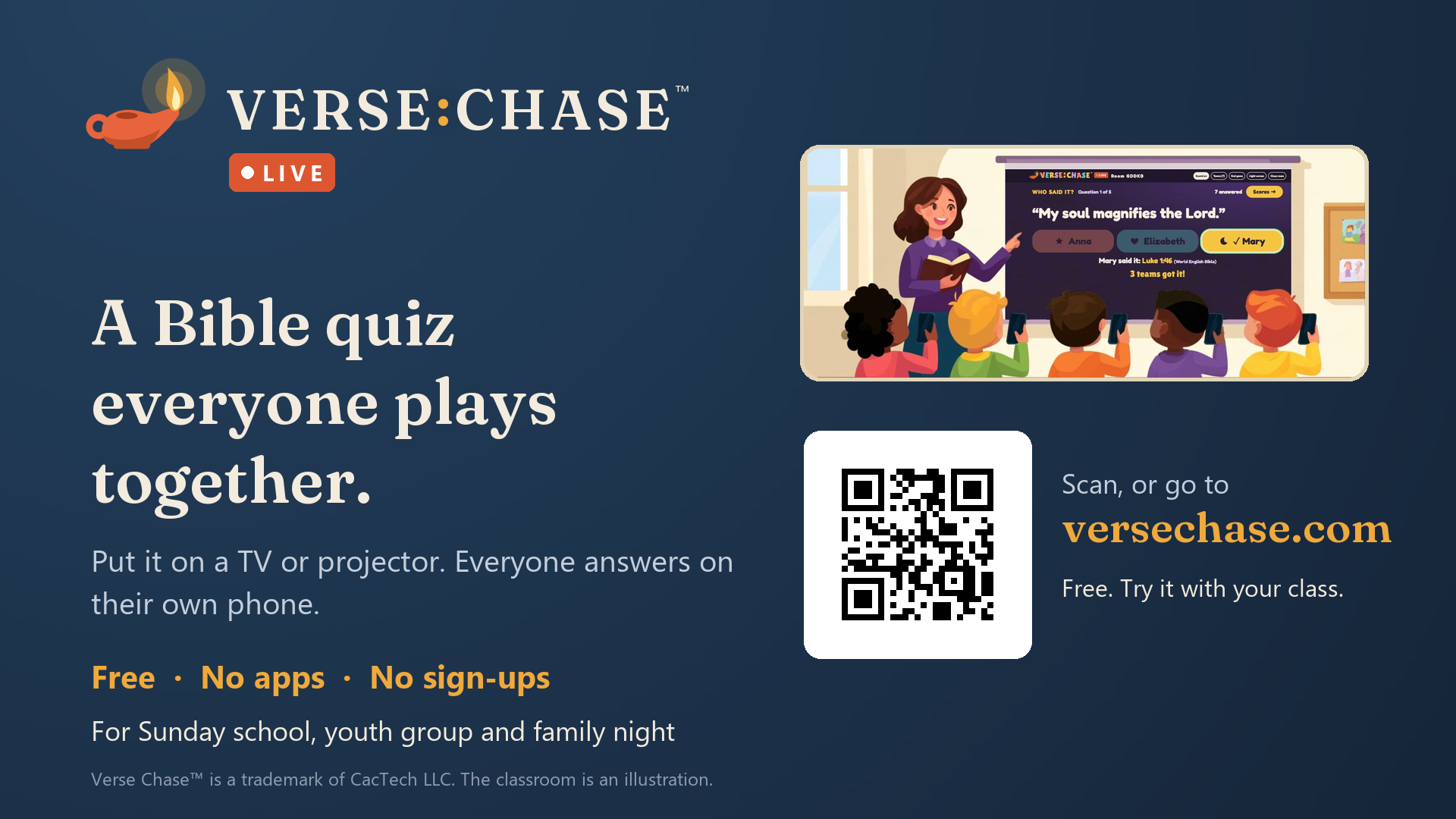
Put the game on your projector or TV. Everyone answers on their own phone. No apps, no sign-ups, and it's free.
Leaders open a room on the computer that's on the big screen. Players go to versechase.com/join and type the code.
How it works
- 1
Open a room
On the computer connected to your projector or TV, press Open a room and pick who's playing. A code and a QR code appear.
- 2
Phones join
Players scan the QR code or go to versechase.com/join and type the code. Teams can share one phone.
- 3
Play and look it up
Questions appear on the big screen; phones show only the answer buttons. Every answer comes with its verse reference, and at the end, a list of every verse to look up together.
Two ways to play
Everyone
Youth groups, adult classes, mixed ages
- Who Said It? A quote and four people to choose from.
- Finish the Verse: a verse with one word missing, and four words to choose from.
- Which Came First? Put four Bible events in order.
- A countdown, points for quick answers, and the top five.
- Players type a nickname.
Kids
About ages 6 to 10 (younger ones with a helper)
- Gentle, well-known stories, with three choices.
- Each choice has a color and a symbol, for children still learning to read.
- Finish the Verse: a favorite verse with one word missing.
- You read each question aloud, then press Go. Speed doesn't count.
- Only the top three are shown, never a last place.
- Teams pick a name like "Blue Lion"; nobody types anything.
The Christmas story
For December, pick The Christmas story in your room: questions from Matthew's and Luke's accounts of Jesus' birth, in both modes. Each "put in order" question keeps to one Gospel.
See the Christmas Bible quiz questions, with answers, ready to print.
Faithful and safe
Word for word
Play in the King James Version, the Berean Standard Bible, the American Standard Version, the Douay-Rheims or the World English Bible, all public domain. Every quote and verse is word for word in the Bible you pick, with its reference so your group can check it in their own Bibles. (The World English Bible prints God's name as "Yahweh", or "the LORD" in its Updated edition; the American Standard Version prints "Jehovah".)
Nothing kept
No accounts, no email, no cookies, no ads. A room disappears when you close it, or after two hours. Privacy
No chat
Phones can only tap answers: no messages, no pictures. You can rename or remove anyone in your room.
What you need
- A computer with a web browser, connected to a projector or TV.
- Phones with internet (Wi-Fi or mobile data). Up to 60 players or teams in a room.
- About 10 to 15 minutes.
- Want to try it first, on your own? Open a room and press Add practice teams: pretend teams play along, no phones needed.
Open a room Leader's guide
Tell your church
Free to print, copy and show: a one-page flyer for the bulletin board, and a slide for your screens before service.
Printable flyer Slide for your screens
The slide is a picture (1920 × 1080) that drops into PowerPoint, Google Slides, ProPresenter or your announcement loop.