Leader's guide
Running Verse Chase Live with your class
A 10-to-15-minute Bible quiz. Your computer shows the game on the projector or TV; everyone plays on their phones. No apps, no sign-ups, free.
Before class (5 minutes)
- A computer with a web browser, connected to your projector or TV. Go to versechase.com and press Open a room. Make the window full screen (F11 on most computers).
- Players need a phone with internet: the church Wi-Fi or their own mobile data.
- No phone? No problem. Put players in teams of 2 to 4 around one phone.
- Bright room? Press Light screen at the top if the dark picture looks washed out on your projector.
- Trying it on your own first? Open a room and press Add practice teams in the waiting room. Four pretend teams join and answer by themselves, so you can see a whole game without any phones. Press Remove practice teams before your class joins.
Pick who's playing
The first screen asks "Who's playing today?" Click one. You can still switch in the waiting room (the Mode row), before the game or after Play again: anyone already in just joins again on their phone, with the same code.
| Everyone | Kids | |
|---|---|---|
| For | Youth groups, adult classes, mixed ages | About ages 6 to 10 (younger ones with a helper) |
| Questions | All of them | Gentle, well-known stories only |
| Choices | Four people; four events to order | Three people or words; three events |
| The clock | Starts by itself: 20 or 30 seconds | Starts when you press Go: 30 or 45 seconds |
| Points | More for a faster right answer | 100 for a right answer; speed doesn't count |
| Scores shown | Top five, and each phone's place | Top three only; a phone sees its own points |
| Names | A typed nickname | A team picked from a list ("Blue Lion") |
Starting a game
- The big screen shows versechase.com/join, a five-letter code and a QR code. Players scan the QR code, or go to the address and type the code. Then:
- Everyone: they type a nickname and pick a color.
- Kids: they pick a color and an animal. That's their team name; nothing is typed. If a team is taken, they pick another.
- Choose where the questions come from (From: Through the Bible, or The Christmas story in December), the Bible (World English Bible, King James Version, Berean Standard Bible, American Standard Version, World English Bible Updated or Douay-Rheims), 5, 10 or 15 questions and the kinds. Five Kids questions take about 10 minutes with reading aloud; ten Everyone questions take 10 to 12.
- When everyone's name is on the screen, press Start the game.
During the game: Everyone
- Three kinds of question: Who Said It? and Finish the Verse (four choices each) and Which Came First? (four events).
- The countdown starts by itself. Read the quote, the verse or the events aloud if it helps.
- After each question the screen shows the right answer and the verse reference: a good moment for one sentence of context.
- Press Scores to see the top five, then Next question.
During the game: Kids
- Each question appears and waits for you. Read it aloud, read the choices, then press Go (or the space bar). The phones' buttons appear and the countdown starts.
- Three kinds of question: Who Said It?, Finish the Verse (one word is missing from a well-known verse) and Which Came First? (three events).
- Every choice has its own color and symbol (a star, a heart, a moon), the same on the screen and the phones, so you can say "the yellow one with the moon says Moses". Children who can't read yet, or can't tell the colors apart, can match the symbol.
- The answer slide shows the right answer, where to find it in the Bible, and how many teams got it. It never shows who missed.
- Scores shows only the top three. There is never a full list or a last place.
Your buttons
Pause, Skip, End game, Players or Teams (rename or remove anyone), Sound on/off, Dark/Light screen, Close room. Players' phones can't do any of these. If you reload the big screen, the room carries on.
Keeping it kind and safe
- Kids mode: no child types anything. Teams are a color and an animal from a list, so no child's real name ever shows on the screen.
- Everyone mode: nicknames only, not full names. Rude names are blocked, and you can rename or remove anyone.
- There's no chat and no way to send pictures or messages. Phones can only tap answers.
- Nothing is saved: no accounts, no emails. The room disappears when you press Close room, or after two hours. Privacy
- Up to 60 players or teams per room.
- If a phone drops off, the player opens the page again, types the code, and types the same nickname (Everyone) or picks the same team (Kids). They keep their points.
After the game
- The podium shows the top three. Celebrate everyone who played.
- Press Look it up: every verse from the game, in Bible order. Have the group look a few up in their own Bibles, or pick one for the lesson.
- Take the verses home: beside the list is a QR code, and each phone shows a Today's verses button. Either one opens the game's verses on a phone, in the Bible you played in, so families can look them up at home. Nothing is saved anywhere: the list lives in the link.
- Play again starts a new round with the same players; Close the room when you're done.
Good to know
- Pick the Bible in the waiting room: the World English Bible, the King James Version, the Berean Standard Bible (modern English), the American Standard Version (1901), the World English Bible Updated or the Douay-Rheims (the classic Catholic Bible in English). Every quote and verse is word for word in the one you pick, with its reference, and only events whose order is plain in the text are used. The World English Bible prints God's name as "Yahweh" and the American Standard Version as "Jehovah", where the others print "the LORD"; the World English Bible Updated is the World English Bible with "the LORD". The Douay-Rheims numbers most Psalms one lower and calls 1 and 2 Samuel "1 and 2 Kings", so in a Douay-Rheims game each answer shows its Douay-Rheims reference too. You may want to say so when you read aloud.
- Kids mode never rewords a verse to make it gentler; verses that don't suit children are simply left out.
- The Christmas story keeps Matthew's and Luke's accounts apart and never numbers the wise men. The questions are also on a printable page: Christmas Bible quiz.
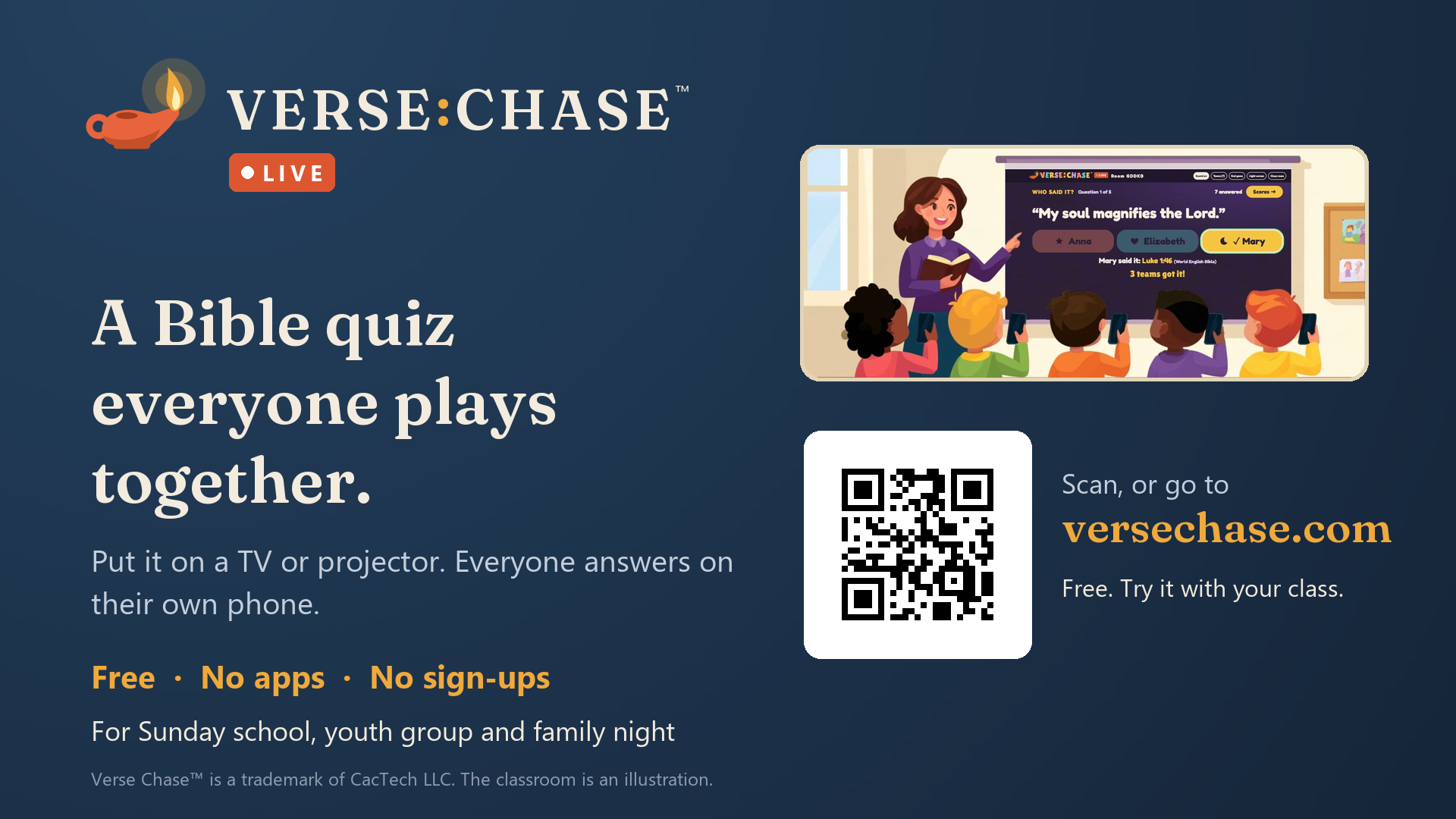
- Telling other leaders or families? There's a free printable flyer and a slide for your screens (a 1920 × 1080 picture).